
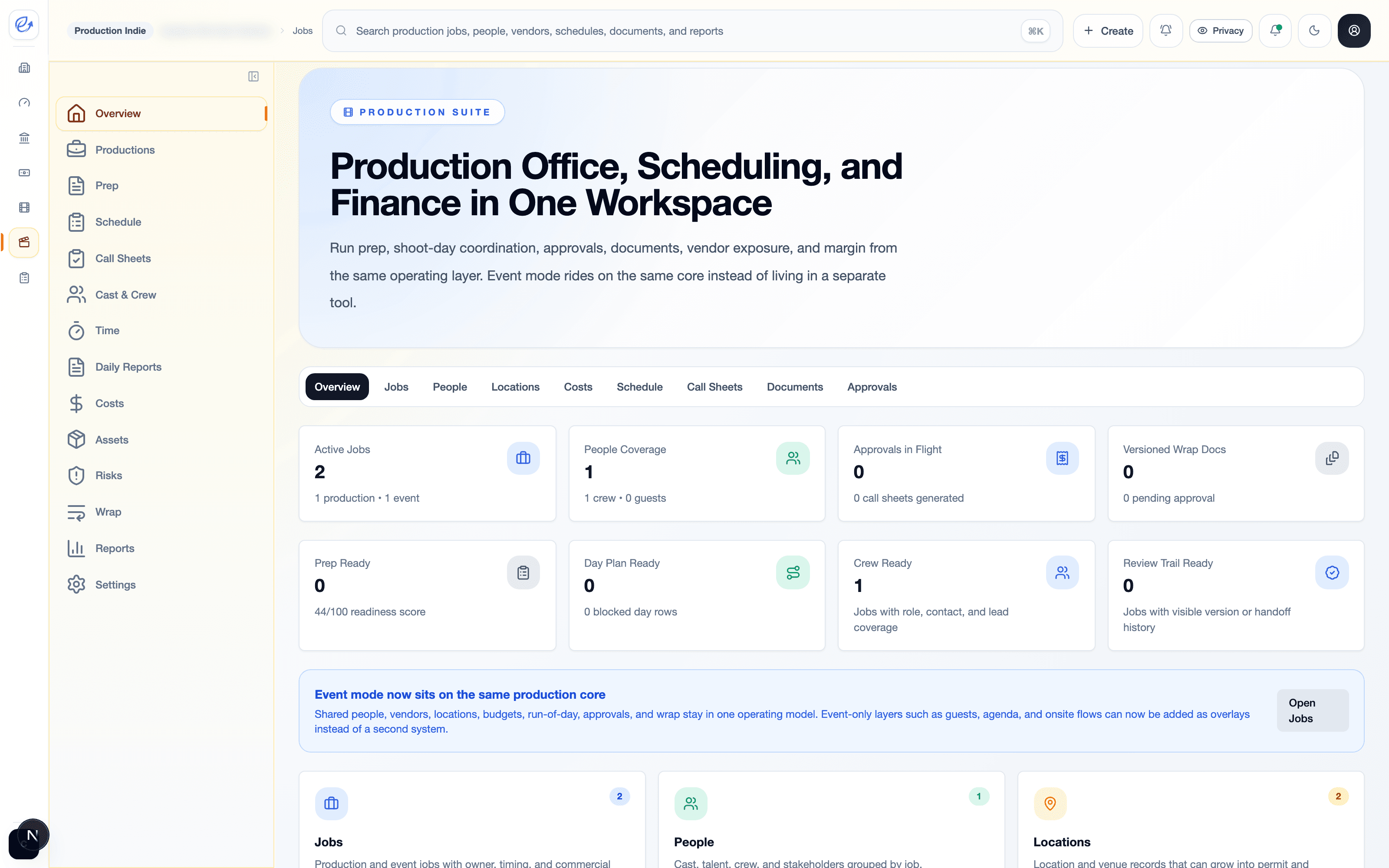
Run jobs, schedules, crew updates, and wrap work in one production workspace.
Keep call sheets, timesheets, daily reports, photos, budgets, approvals, and wrap documents connected from prep to final archive.
How it works
Plan the job → capture the day → control costs → close the wrap.
Job control
Jobs, schedules, contacts, call sheets, budgets, and documents stay together
Field updates
Timesheets, production reports, photos, and incidents come in from the set
Wrap visibility
Costs, approvals, final packs, and production history stay ready for review
From prep to wrap
Production stays controlled when the field work and office work stay connected.
01
Plan the job
Set up contacts, departments, schedules, call sheets, budgets, and the operating details before production starts.
02
Capture the day
Collect timesheets, daily production reports, photos, incidents, and location updates while work is happening.
03
Control costs
Track budget, vendor commitments, petty cash, overruns, and approvals before the job gets away from the plan.
04
Close the wrap
Keep final reports, documents, archive packs, cost history, and finance handoff ready after production ends.
Capture Everything
Capture work as it happens — from set to office.
Timesheets, daily reports, photos, and incident logs flow into one system so nothing falls through the cracks.
Submit timesheets
Crew and staff submit hours directly from the field. No paper, no chasing, no re-entry.
Log daily production reports
Capture what happened on set each day — scenes completed, hours worked, and notes for production.
Upload photos and updates
Share progress photos, location shots, and status updates so everyone stays aligned without email chains.
Track issues and incidents
Log safety incidents, equipment issues, and delays as they happen. Nothing gets lost between wrap and the office.
Track & Control
Track time, costs, progress, and issues — as they happen.
Real-time visibility into every production so you can act before problems escalate.
Time tracking
See hours logged by crew, department, and job. Spot overtime and scheduling conflicts before they hit the budget.
Cost visibility
Track budget, commitments, and actuals side by side. See variance before it becomes a problem.
Progress and issues
Monitor scenes completed, days remaining, and open issues across every active production.
Simple pricing
Start with the production workspace that matches your crew.
Run Production Suite directly for jobs, call sheets, people, documents, budgets, and approvals. Connect Finance later when cost reporting needs to land beside the books.
Production Suite
Give every production one clean workspace from prep to wrap.
Start with jobs, schedules, call sheets, crew updates, cost control, documents, and wrap packs in one production-first product.
Jobs, schedules, call sheets, crew time, production reports, budgets, and wrap archives.
Start directly with Production Suite, compare plans, or sign back in to continue active work.